BYCC6

Managed IT operations

IT operationsfor lean teams.

We help small teams deploy tools, manage access and troubleshoot faults. From the first setup to the next handover, important changes come with a record.

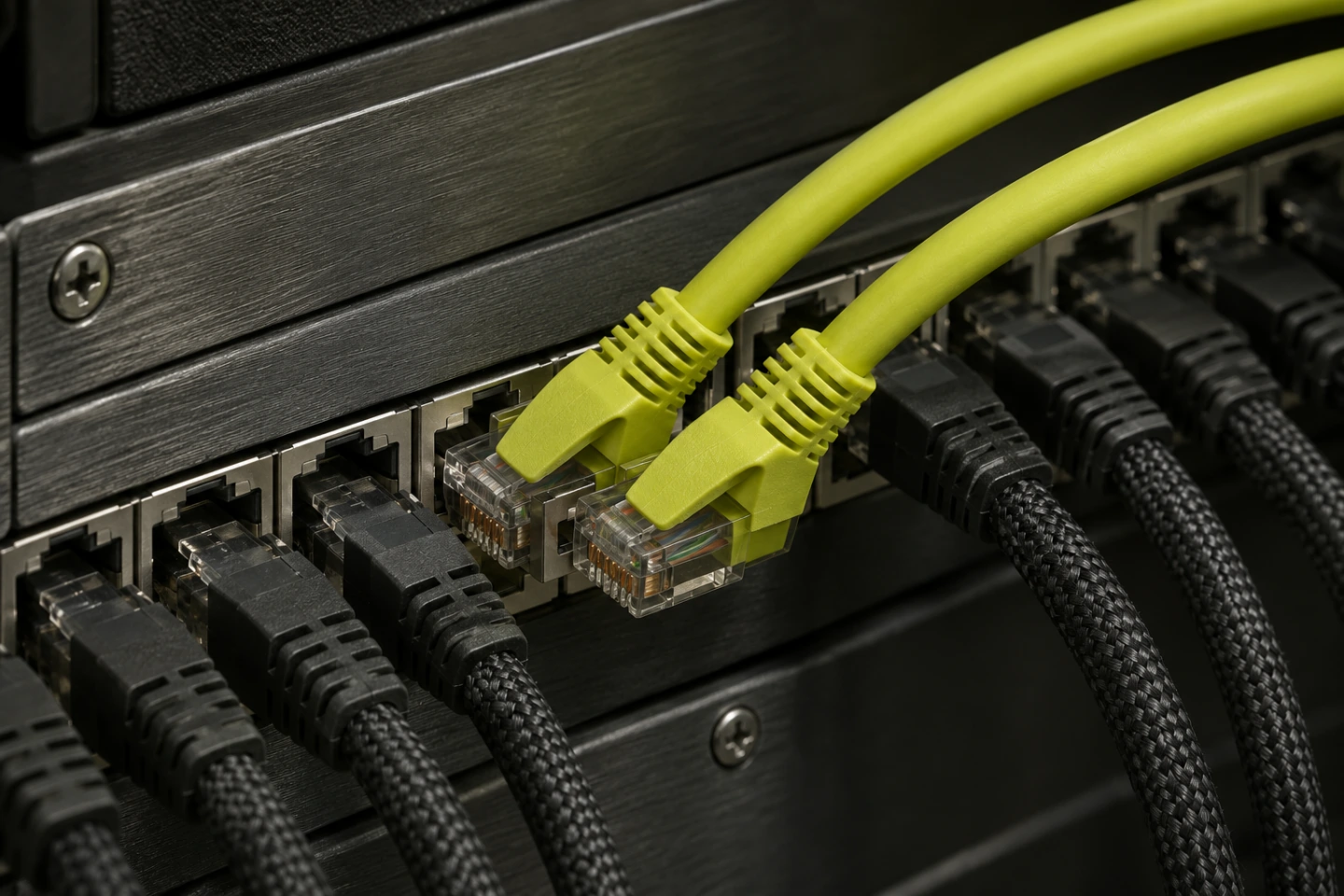
Two chartreuse patch cables among dark braided leads on a network panel.

What we take on

Each engagement starts with an inventory. These are the tasks we take on and the records your team can keep.

Deployment & handover

Before a launch or migration, we check dependencies, access and recovery steps, then agree on a rollout.

Environment inventory, rollout log and handover notes

Accounts & licensing

Map tools, seats and administrators so that joining, changing roles, leaving and renewing each have an owner.

Access map, license register and renewal calendar

Monitoring & upkeep

Identify the services that can stop work. Agree on checks, who should hear about a fault and when maintenance can happen.

Service checks, escalation contacts and maintenance notes

Troubleshooting

Use the scope of impact, error messages and recent changes to narrow a fault. Confirm recovery against the team's usual tasks.

Incident notes, recovery checks and follow-up actions
Inside a handover

These worked examples show what gets documented, how to verify the result and who acts next. Download a blank copy for your own team.

Change worksheet

Moving a shared folder to role-based access

Scope
Pilot one project folder with two roles, editor and viewer.
Acceptance check
The editor can save a test file. The viewer can read it and an edit attempt is refused.
Rollback condition
If either role behaves differently, restore the previous group mapping and ask both pilot users to retry.
Download worksheet TXT

Incident handover

Some teammates cannot synchronise a shared file

Observation
Two desktop devices report a sync error. The same document opens in the browser.
Next check
Record failure time, client version and recent updates. Compare with one working device.
Closure check
An affected teammate creates a test file. A second colleague sees the same version before recovery is recorded.
Download worksheet TXT

The field handbook

From preparing a change to handing over an incident, choose a guide for the task in front of you.

Before we start

Can we start with one system?

Yes. Choose a service people use every day, identify an owner and access method, and agree on one acceptance task. The inventory helps decide whether permissions, upkeep or a fault should come next.

What do we agree before remote work?

Agree on the scope, change approver, maintenance window and recovery method. Grant any required access through a mutually agreed channel and review it at handover.

How is work accepted?

A regular user repeats the agreed task, such as signing in, opening shared material and saving a test file. Record the result, exceptions and follow-up owner together.

Contact BYCC6

Where do you need support?

Tell us which tools are involved, who is affected and what you want to accomplish. Remove account details and verification codes from screenshots before sending.

work@bycc6.com